Snapsite - AI website builder
Snapsite is an AI-powered website builder designed to generate fully structured, responsive websites from just a few user inputs. Users only provide their brand name, business type, and preferred color theme, and Snapsite automatically produces a complete layout—content, images, sections, and styling within minutes. This project showcases my ability to combine AI generation, full-stack engineering, and UI/UX design to create a tool that replaces hours of manual development with an instant, intelligent workflow.
Personal
Sep - Nov 2025

Technologies
- React
- Radix UI
- Tailwind CSS
- TypeScript
- Zod
- Next.js
- Vercel Blob
- OpenAI API
- Replicate
- tRPC
- TanStack Query
- Drizzle ORM
- Neon
- PostgreSQL
Link
Purpose
The core idea behind Snapsite is to simplify website creation for individuals and small businesses who may not have design or coding experience. By integrating AI models for text and image generation, the tool turns minimal user input into a polished, professional website draft.
My Role
I worked as the sole designer and full-stack developer for this project. My responsibilities included:
- UX research and wireframing
- UI design and branding
- Full-stack development (frontend + backend + database)
- Integrating AI models for content & image generation
- Debug and optimization
Technologies Used
- React: Builds a dynamic, responsive, and component-based UI.
- Radix UI: Provides accessible, modern UI components with a clean developer experience.
- Tailwind CSS: Utility-first CSS framework for rapid and consistent styling.
- TypeScript: Adds strong typing to JavaScript for better code quality and fewer bugs.
- Next.js: Enables server-side rendering and fast performance for a seamless user experience.
- Drizzle ORM + Neon + PostgreSQL: Type-safe, modern database handling with support for complex queries and edge deployment.
- tRPC + TanStack Query: Enables end-to-end type-safe APIs and seamless client-server data fetching.
- Zod: Ensures schema validation and type safety across client and server.
- OpenAI: Provides context-aware website copy that matches the business type and tone.
- Replicate: Generates tailored images (e.g., cafés, salons, fitness studios) aligned with the brand theme.
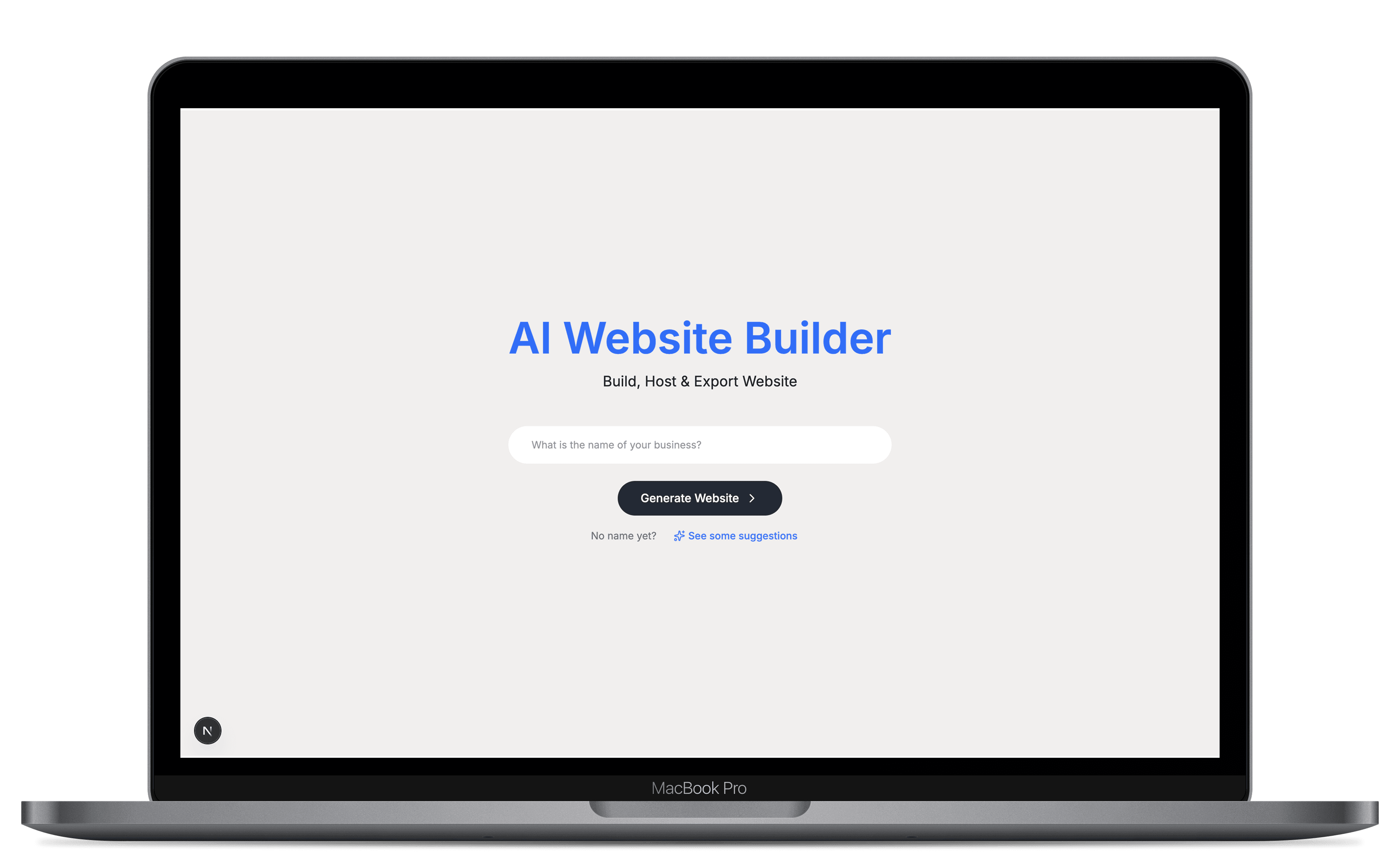
Development and Thought Process
I began the project by identifying what slows down traditional website creation: planning content, designing layout, selecting images, and writing copy. My goal was to turn this multi-hour workflow into an automated, intuitive process.
I focused on two questions:
- What is the minimal information a user should provide?
- How can AI fill in the rest without overwhelming the user?
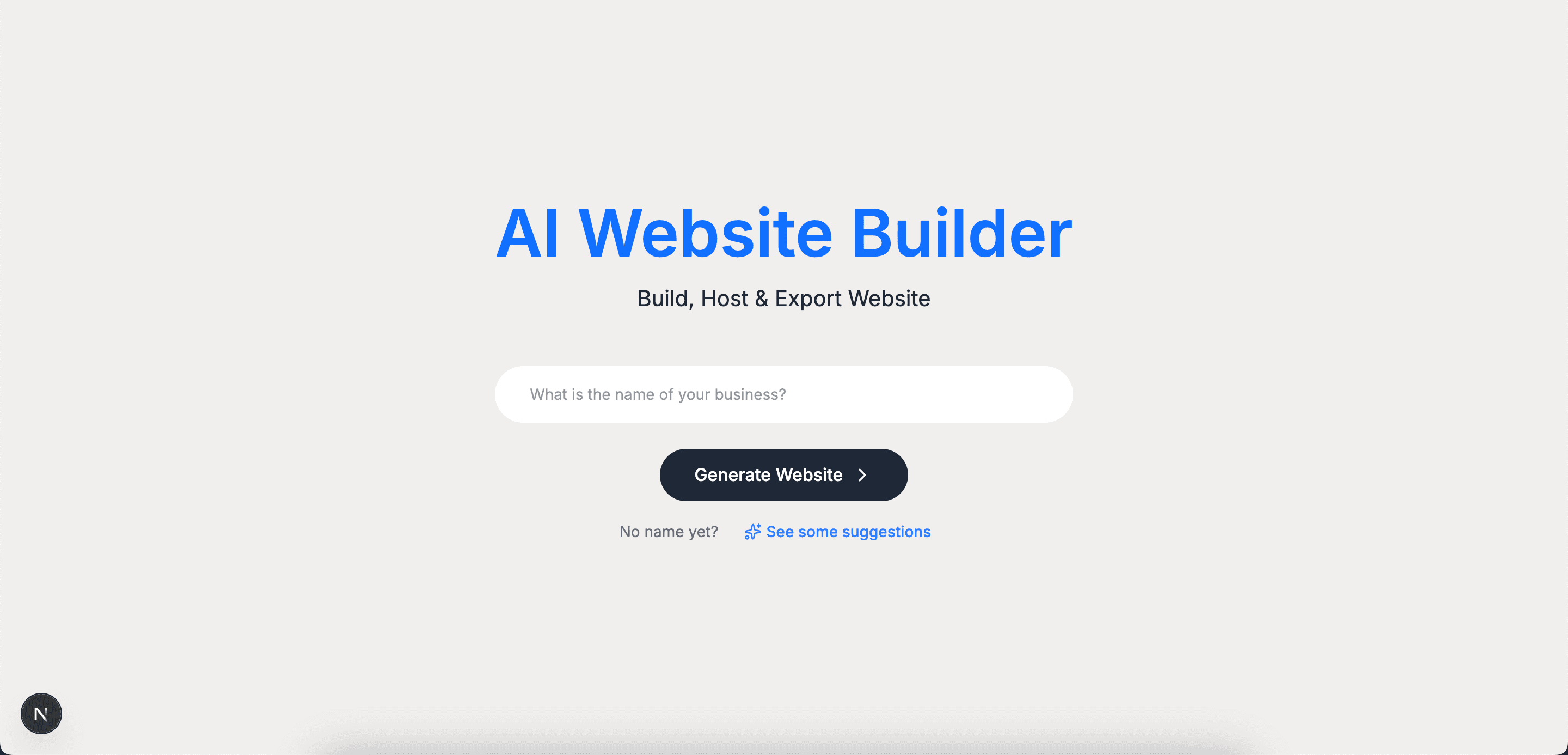
This led to a structured onboarding form: brand name, business type, color theme, and description (optional). These four inputs became the foundation for generating all design decisions and content with AI.
Artboards and Features
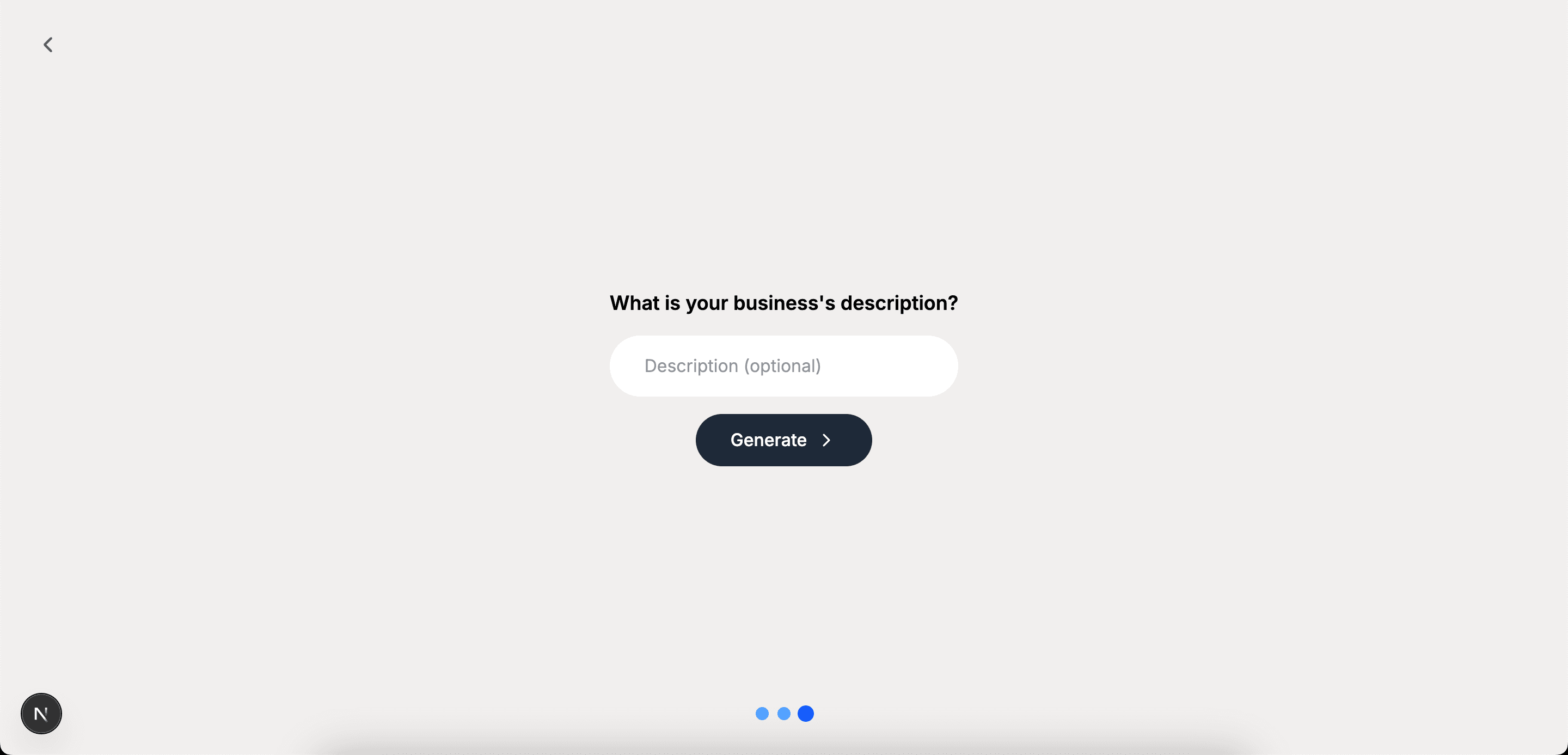
On Boarding UI: This screen shows the simple user flow where visitors input their brand details. Keep the form extremely minimal to reduce cognitive load.
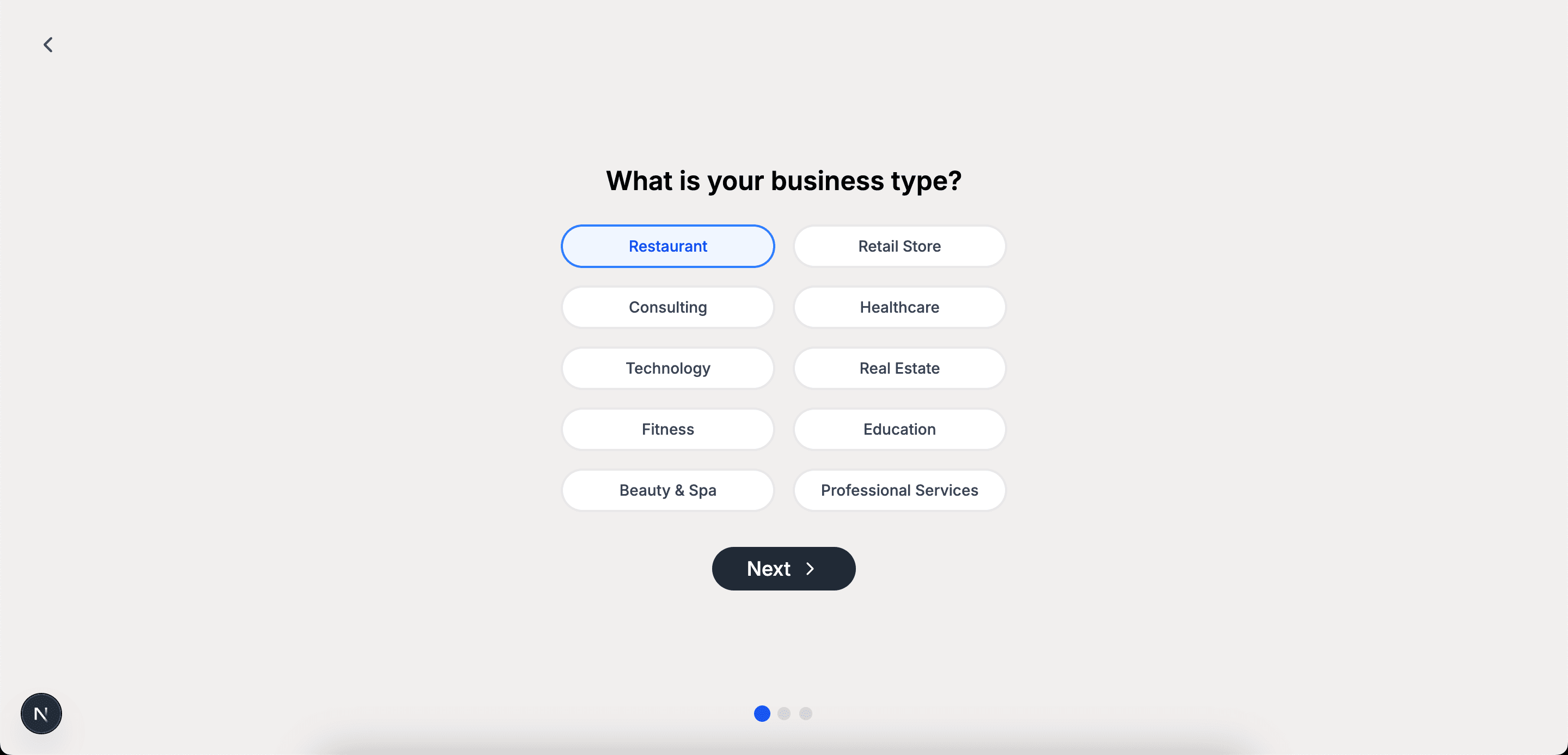
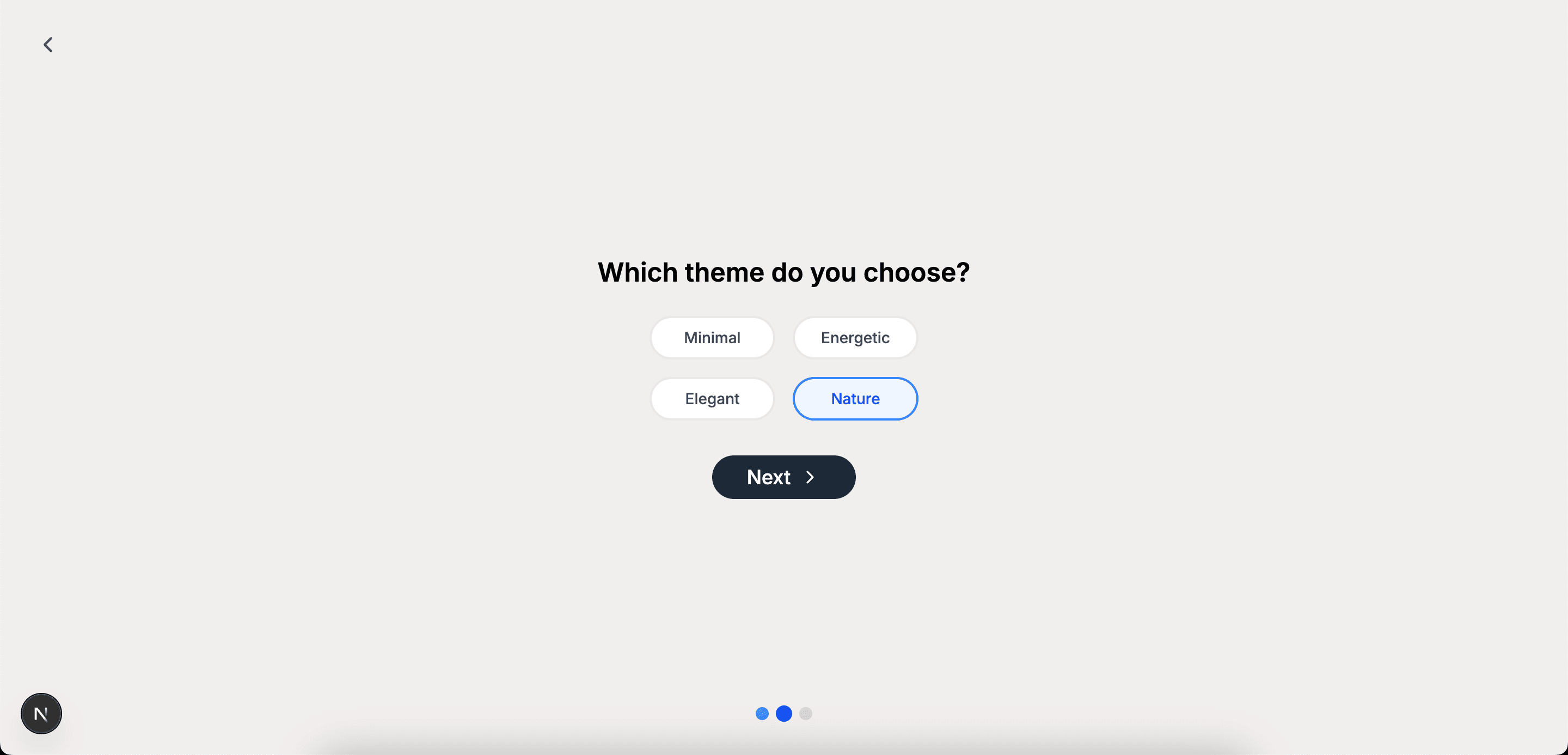
Quick Demo: Here’s a short preview of the website layouts generated by the AI builder, shown in both the Restaurant and Professional Service styles.
Challenges
Ensuring alignment between complex prompts and the website content schema: A key technical challenge involved managing large, multi-component prompts used to generate entire website structures. When prompts lacked strict organization, the AI occasionally produced output that deviated from the defined schema, resulting in incomplete or invalid content.
To solve this, I redesigned the prompt architecture into a highly structured, schema-first format. Each prompt block corresponds directly to a section in the layout, ensuring clarity and predictable output. Additionally, I implemented fallback layouts and default content to maintain system stability even when AI responses were partially missing. This approach ensured consistent rendering and minimized front-end failures.
Improving image-generation accuracy and preventing rate-limit failures: Ambiguous or loosely written image prompts frequently resulted in visuals that did not match the intended subject, theme, or quantity. Furthermore, parallel image-generation calls occasionally triggered server-side rate limits, interrupting the workflow.
To solve this, I refined all image prompts to include explicit descriptions, specifying the subject matter, number of items, visual context, and stylistic attributes. This significantly improved accuracy and consistency. To address rate limits, I replaced parallel execution Promise.all with sequential request handling, enabling the system to stay within API thresholds while maintaining performance reliability.
Conclusion and Reflection
Snapsite successfully demonstrates how AI can streamline web creation, turning hours of design and coding into an instant, guided experience. The project allowed me to combine my interests in automation, UI/UX design, and full-stack development. The strongest outcomes of the project were the seamless integration between text and image generation, the clean and responsive interface, and the overall speed and fluidity of the user experience.
Next Steps
- More template variety: Expand the number of layouts and industry-specific designs to give users broader creative options.
- Additional color themes: Introduce more predefined palettes to better match brand identities and visual styles.
- Editable AI results: Allow users to modify the generated website (text, images, layout) for greater customization and control.